
AnyViewer

DeskIn เทียบกับ Anyviewer

ความเข้ากันได้ข้ามแพลตฟอร์มและประสิทธิภาพสูง

ความเข้ากันได้ข้ามแพลตฟอร์มและประสิทธิภาพสูง

AnyViewer มีข้อจำกัดในเวอร์ชันฟรีที่อาจไม่ตรงกับความต้องการขั้นสูง นอกจากนี้ การสนับสนุน macOS ยังไม่ครอบคลุม DeskIn มีความสามารถในการทำงานข้ามแพลตฟอร์มในเวอร์ชันฟรี และมีความสามารถที่ดีในการถ่ายโอนไฟล์ คุณภาพภาพ และ ความเสถียรของการเชื่อมต่อ

AnyViewer มีข้อจำกัดในเวอร์ชันฟรีที่อาจไม่ตรงกับความต้องการขั้นสูง นอกจากนี้ การสนับสนุน macOS ยังไม่ครอบคลุม DeskIn มีความสามารถในการทำงานข้ามแพลตฟอร์มในเวอร์ชันฟรี และมีความสามารถที่ดีในการถ่ายโอนไฟล์ คุณภาพภาพ และ ความเสถียรของการเชื่อมต่อ

DeskIn vs AnyViewer Comparison

DeskIn เทียบกับ AnyViewer: การเปรียบเทียบคุณสมบัติ

DeskIn เทียบกับ AnyViewer: การเปรียบเทียบคุณสมบัติ

การจัดอันดับ

การแก้ไข

ความหน่วง

ระบบ

โหมดความเป็นส่วนตัว

การเชื่อมต่อเว็บ

CMD, WOL

เชื่อมต่อมือถือกับพีซี

เชื่อมต่อหน้าจอพีซีไปยังอุปกรณ์มือถือ

การฉายภาพจากพีซีไปยังพีซี

Remote Reboot/

Shutdown

ขยายหน้าจอ

หน้าจอเสมือน

โหมดเล่นเกม

ตัวควบคุมเกม

แท็บเล็ตวาดภาพดิจิทัล

ถ่ายโอนไฟล์

การโทรด้วยเสียง

ไวท์บอร์ด

การพิมพ์ระยะไกล

การจัดการอุปกรณ์

การจัดกลุ่มอุปกรณ์

อุปกรณ์เชื่อมต่อ

การเข้ารหัส

9.5

4K60FPS/2K240FPS, สามารถปรับได้

<40มิลลิวินาที

วินโดวส์ / แมค / ไอโอเอส / แอนดรอยด์

ไม่มีขีดจำกัด สูงสุดถึง 12MB/s

100

ฟรี

ไม่จำกัด

AES-256 + 2FA

9.5

4K60FPS/2K240FPS, สามารถปรับได้

<40มิลลิวินาที

วินโดวส์ / แมค / ไอโอเอส / แอนดรอยด์

ไม่มีขีดจำกัด สูงสุดถึง 12MB/s

100

ฟรี

ไม่จำกัด

AES-256 + 2FA

เอนี่วิวเวอร์

เอนี่วิวเวอร์

8.1

รองรับสูงสุด 4K60FPS

รองรับสูงสุด 4K60FPS

ความล่าช้าเล็กน้อย

ความล่าช้าเล็กน้อย

วินโดวส์ / แมค / ไอโอเอส / แอนดรอยด์

วินโดวส์ / แมค / ไอโอเอส / แอนดรอยด์

500KB/วินาที

500KB/วินาที

500KB/วินาที

10

10

10

Enterprise edition only

Enterprise edition only

Enterprise edition only

100

100

100

ECC-256

ECC-256

ECC-256

Key Advantages of DeskIn Compared to AnyViewer

Key Advantages of DeskIn Compared to AnyViewer

The most important things to consider in remote desktop software are having all the necessary features and delivering an excellent user experience.
Seamless Cross-Platform Functionality

Seamless Cross-Platform Functionality

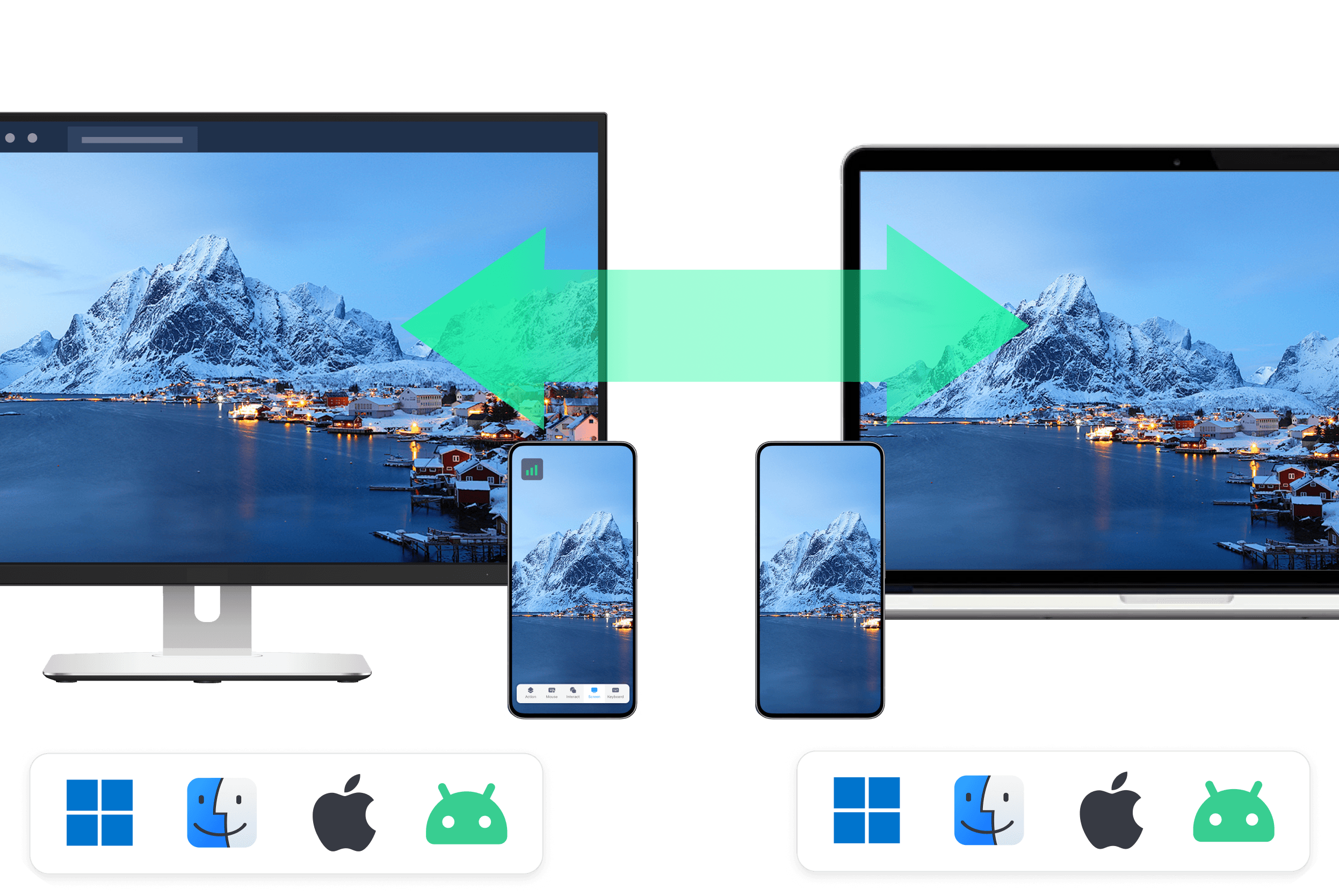
Unlike AnyViewer, which limits certain features on macOS, DeskIn ensures that all platforms enjoy a consistent and complete experience. DeskIn was built from the start with cross-platform consistency in mind so whether you’re on Windows, macOS, iOS, Android, or a web browser, users get the same high-quality, stable, and smooth remote connection experience.

Unlike AnyViewer, which limits certain features on macOS, DeskIn ensures that all platforms enjoy a consistent and complete experience. DeskIn was built from the start with cross-platform consistency in mind so whether you’re on Windows, macOS, iOS, Android, or a web browser, users get the same high-quality, stable, and smooth remote connection experience.

DeskIn Consistent Cross-Platform Functionality
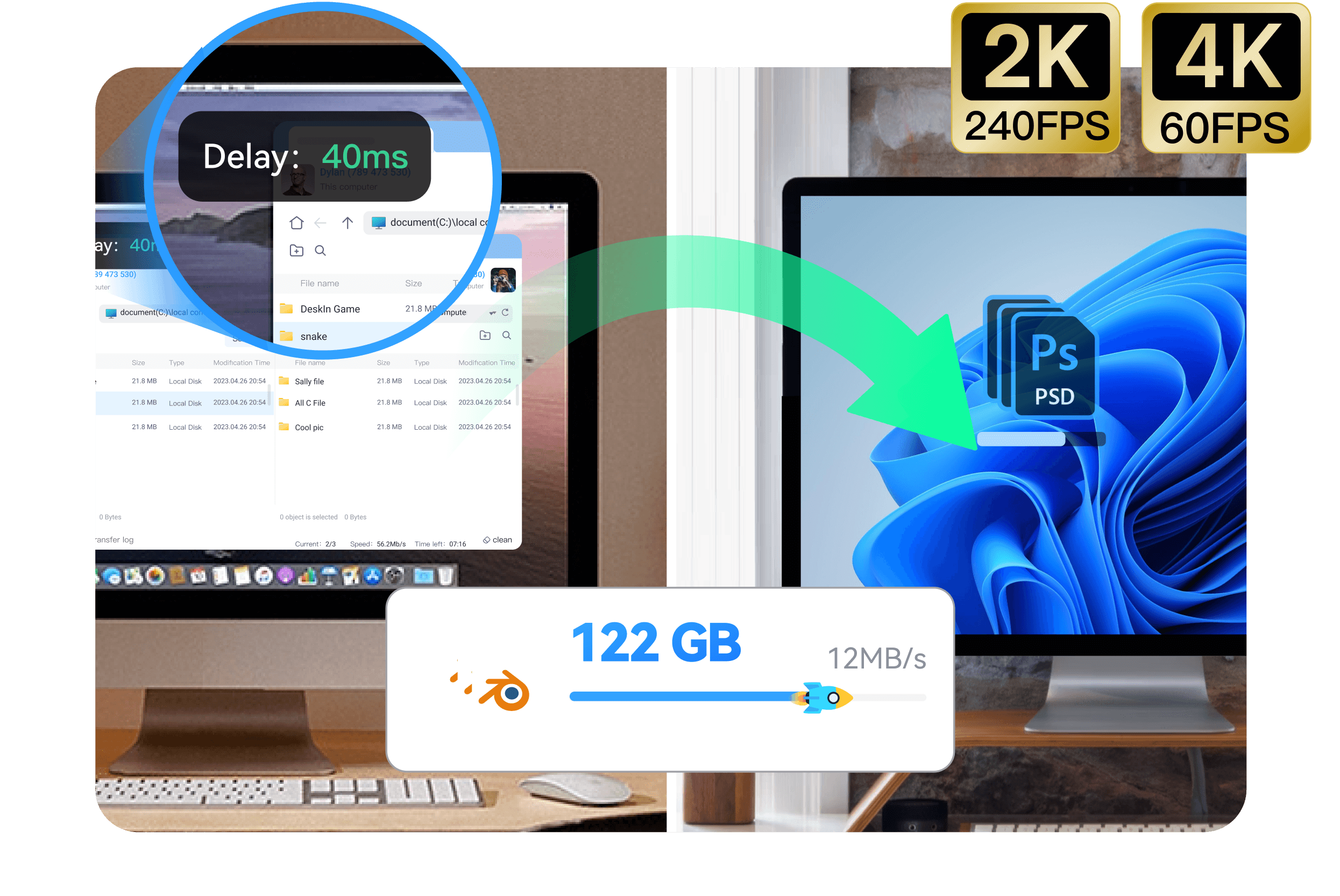
DeskIn Fast and Easy File Transfers Without Size Restrictions

Fast Connections & File Transfers

DeskIn significantly outperforms AnyViewer in both performance and transfer efficiency. The free version offers high-speed file transfer. Additionally, DeskIn supports 4K at 60 FPS / 2K at 240 FPS, with manual adjustment options, and exhibits latency of less than 40 ms. With over 200 global nodes, it ensures fast, stable connections.

Free Version that allows Commercial Use

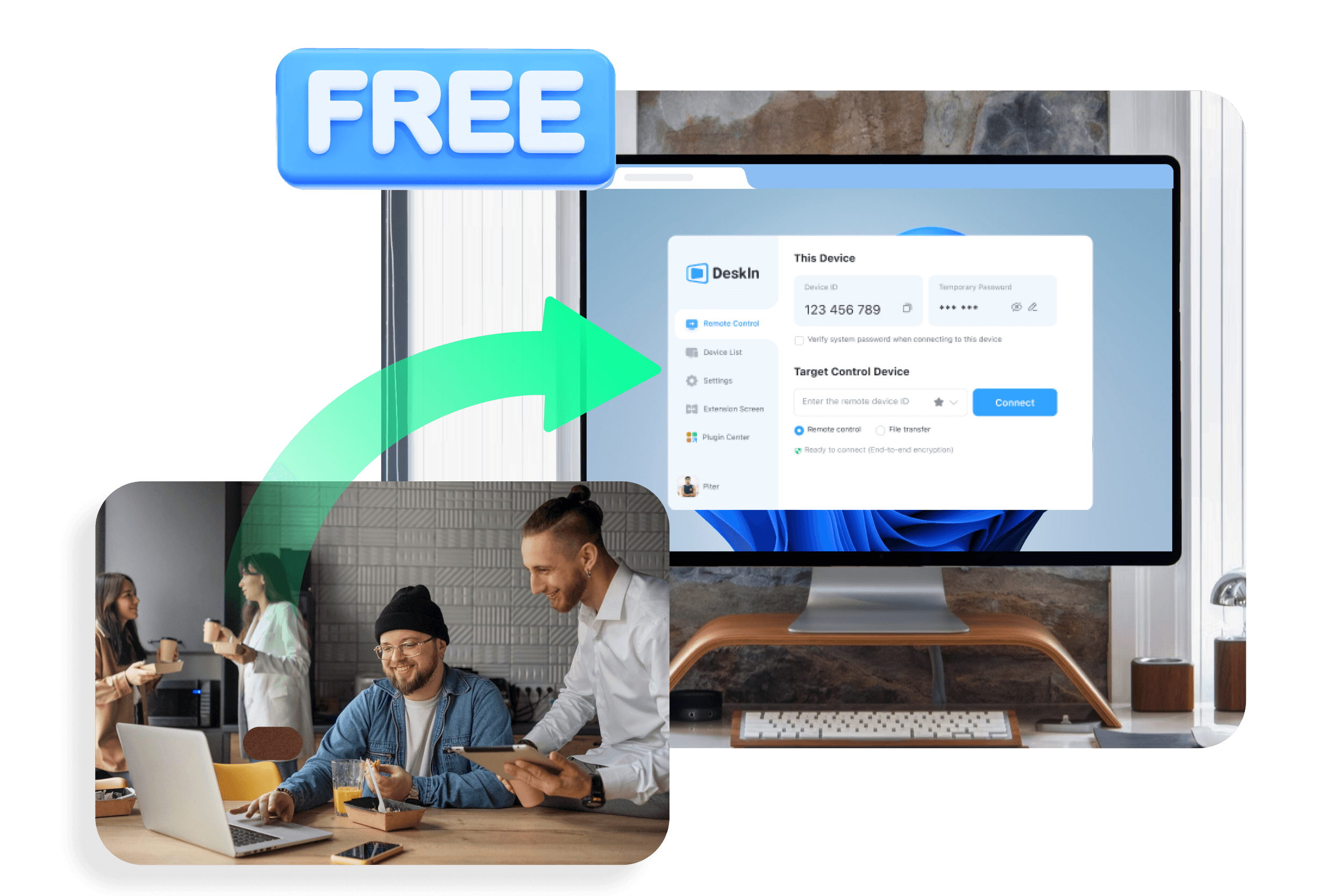
DeskIn's free version is tailored for commercial scenarios, providing features such as unattended access, computer grouping, whitelists, WOL, CMD, and remote printing. Additionally, it includes core functionalities like voice call, whiteboard, privacy screen, screen extension, screen mirroring, and mobile projection. These features enable small businesses and individual workers to utilize professional-grade remote desktop services without additional costs.
DeskIn Free Version that allows Commercial Use
DeskIn Immersive Gaming and Precision Design

Immersive Gaming and Precision Design

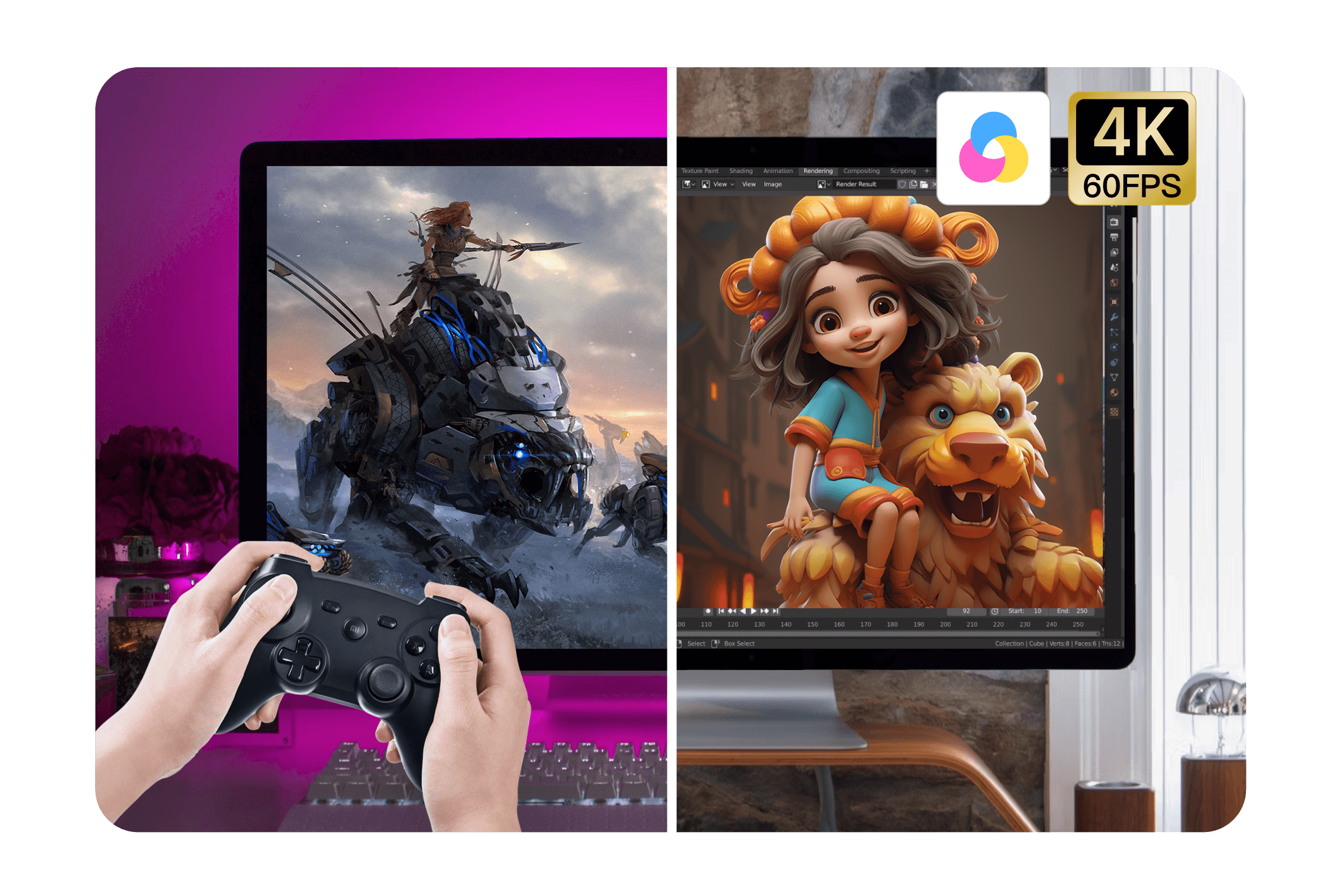
DeskIn is designed not only for office work and remote collaboration but also to meet the professional demands of gaming and design. It supports game mode, game keyboard and mouse, customisable game keys and external game controllers. Futher more, It offers 4K at 60FPS, 4:4:4 true color, adjustable resolution, virtual screens, external drawing tablet support, ensuring precise operations and unlimited creativity.


ได้รับความไว้วางใจจากผู้เชี่ยวชาญในอุตสาหกรรม

ได้รับความไว้วางใจจากผู้เชี่ยวชาญในอุตสาหกรรม

ความคิดเห็นจากผู้ใช้งานของเรา

ความคิดเห็นจากผู้ใช้งานของเรา

ความคิดเห็นจากผู้ใช้งานของเรา

คำถามที่พบบ่อยเกี่ยวกับ DeskIn

คำถามที่พบบ่อยเกี่ยวกับ DeskIn

Which Platforms Does DeskIn Support?

How Faster Is DeskIn's File Transfer Speed Compared to AnyViewer?

How Secure Is DeskIn?

What Paid Plans Does DeskIn Offer?

Which Users Are Most Suitable for DeskIn?

มืออาชีพ มั่นคง ปลอดภัย

มืออาชีพ มั่นคง ปลอดภัย

ติดต่อเรา

Email: support@deskin.io

Office: 991D Alexandra Road #02-17, Singapore 119972

Copyright © 2026 Zuler Technology PTE. LTD. All rights reserved.

ติดต่อเรา

Email: support@deskin.io

Office: 991D Alexandra Road #02-17, Singapore 119972

Copyright © 2026 Zuler Technology PTE. LTD. All rights reserved.

ติดต่อเรา

Email: support@deskin.io

Office: 991D Alexandra Road #02-17, Singapore 119972

Copyright © 2026 Zuler Technology PTE. LTD. All rights reserved.

ติดต่อเรา

support@deskin.io

991D Alexandra Road #02-17

Singapore 119972

Copyright © 2026 Zuler Technology PTE. LTD. All rights reserved.